


Blog
Vape Device Battery Errors And Safety Warnings Fix

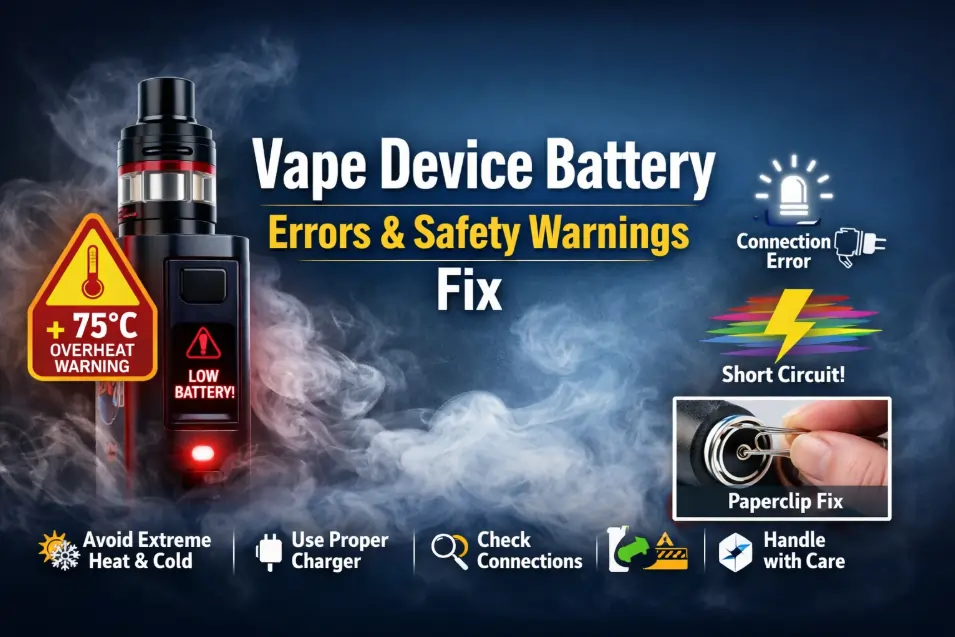
Getting an error signal while taking a puff can be frustrating for any vaper. So, why does this happen? Extreme temperatures can affect your vape device by disrupting internal connections and reducing battery performance
For safety and performance reasons, avoid using your vape device in extreme heat or freezing temperatures, but if you can choose neutral weather, you will get a good vaping experience.
Living in the UAE’s hot climate, I have personally experienced how high temperatures in Dubai can impact vape battery performance., and usually I take a puff in normal weather, whether I’m in my home or at the beach.
To avoid vape device battery issues and to know how to fix it, you need to read this blog further.
Precautions for Your Vape’s Battery
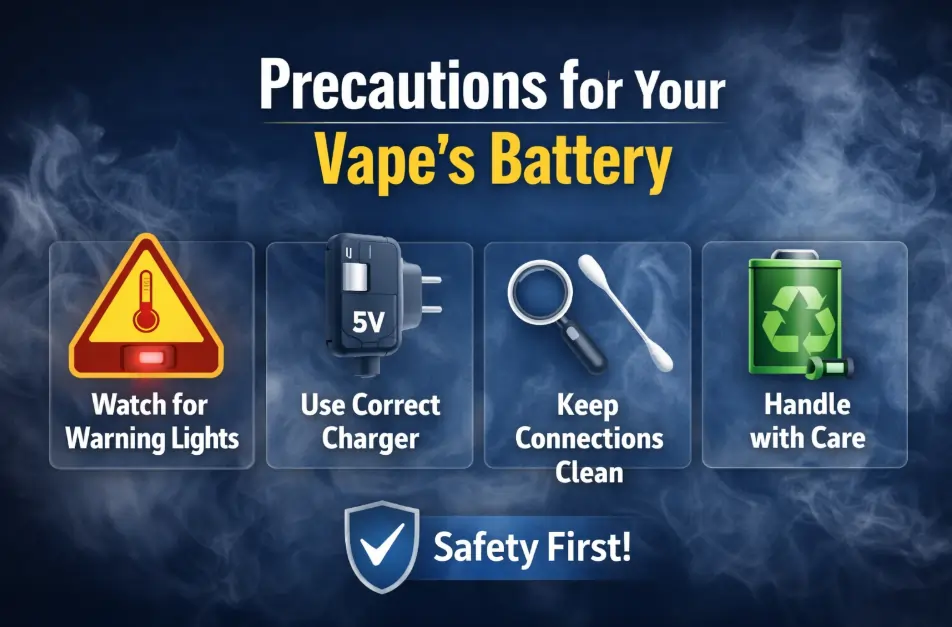
You need to be careful about your vape’s battery safety before using your device. The following tips are powerful to save your vape battery error:
S.O.S. Signals
Blinking Red Light:
When you start taking a puff and are alerted by a red signal that is continuously blinking, you need to stop puffing it and check the battery first.
Usually, it happens due to a low charge of the battery, and if the charge is low, then recharge it immediately.
Other things might happen too; if the battery is fully charged but still signaling red, then the battery might be damaged, so Replace the battery safely and dispose of it according to local electronic waste regulations..
Blinking White Light:
It happens when there are connection errors between the battery and the coil; it is a connection issue, not any other. The connection might be too loose, too tight, or dirty.
The device contains a sensitive tank, so use a cotton bud with a little bit of alcohol to clean the top of the battery and the bottom of the tank.
Before tightening your tank, check it carefully because screwing too hard can push down the pin and break the circuit, so tighten it as needed.
Rainbow:
Due to a short circuit, the device might flash multiple colors, and this happens because the coil is touching the metal sides of the tank improperly.
To check the coil, unscrew the tank and ensure you screw it straight. But again, if the error continues, throw the coil away and put a new one in.
Silent Killer:
The 75°C Rule:
It is highly recommended that lithium-ion batteries be sensitive to heat because of its containing chemicals. So, Lithium-ion batteries are highly sensitive to heat. If they are exposed to temperatures above 75°C, internal components can melt or fail.
Also, it causes the battery to swell and leak chemicals, and in extreme cases, it can lead to an explosion.
Do not leave it in a hot place, because in excessive heat the temperature device feels too hot, so do not touch it immediately; place it in a normal heat, and remove the tank to minimize the heat.
Fast Charger Trap:
To hasten the vape charging, we use a phone charger to charge the vape, and for doing this, the vape battery dies within a month. Most vape devices are designed for a standard charge of 5V/1A.
Using a high-output phone charger may deliver more current than your vape device is designed to handle, potentially damaging the battery over time, and this excessive heat will damage the chemical cells and melt the internal chip, and the consequence is a fully damaged battery.
If you are new to vape devices and you don’t have a vape charger, then charge it via a laptop USB or a gaming console, because it naturally outputs at a safer rate.
Advanced Troubleshooting:
The Paperclip Fix for Connection Plates:
This issue is physical if you get a “No Atomizer” error on a standard vape pen. There is a small round metal plate on top of the battery, and if you screw your tank too tightly, this plate will get down and stop touching the tank.
If you attempt this method, ensure the device is fully powered off. Gently lifting the center pin slightly may restore contact. However, improper handling can permanently damage the battery, so proceed carefully.you only need to lift it a tiny bit, as little as 1 millimeter. Screw the tank gently, and it will be fired up again.
Reset the Device:
If your device seems damaged, then there will be a power button on the device, and press it 5 times in rapid presses so it might open up.
Check the manual for high-range mod. For some vape devices, you need to reset the factory settings if the screen is glitching.
Check for blocked airflow:
Sometimes you are drawing too hard for a huge cloud, but getting less vapor due to the airflow being blocked. Usually, the airflow hole is blocked by dust.
You can heat the cartridge slightly or roll it in your hand to loosen the oil, and you can also use a napkin to wipe the mouthpiece to clear the blockage.
Safety Standards for the Everyday Vaper:
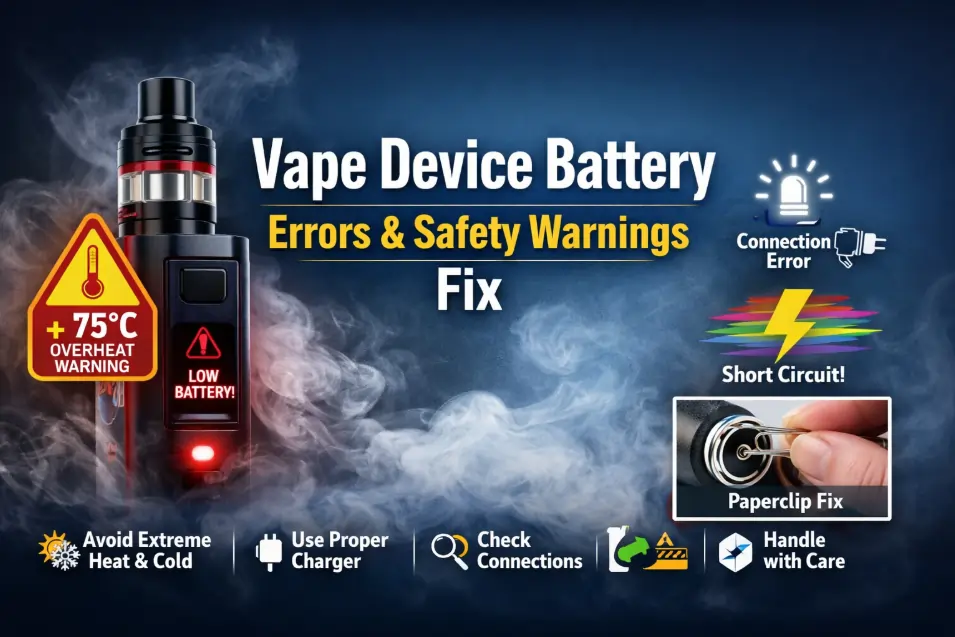
Don’t be a Zombie Charger:
Many users have the habit of charging their devices overnight, which can reduce long-term battery health.
After having 100% charged, if you still keep the battery charging practices, then it can stress the device, and although most modern vapes have overcharge protection, this feature might fail.
So charge it when you are awake or near it, and unplug it when it turns green and the battery shows 100% charged.
FAQ of Vape Device Battery Errors And Safety Warnings Fix
Why is my vape device flashing a red light?
A blinking red light usually indicates a low battery that needs immediate charging. However, if the device is fully charged and continues to flash red, the battery may be damaged and should be safely discarded.
What does a blinking white light on my vape mean?
This signal points to a connection error between the battery and the coil. To fix it, clean the contact points with a cotton bud and alcohol, ensuring the tank is snug but not overtightened.
Is it safe to charge a vape with a mobile phone charger?
No, using high voltage phone chargers can overwhelm your vape pen battery, damaging chemical cells and internal chips. For safety features, charge your device using a standard 5V/1A connection, such as a laptop or gaming console.
What should I do if my battery exceeds 75°C?
Overheat can melt internal seals and lead to dangerous chemical leaks or explosions. If your device feels excessively hot, move it to a cooler environment and remove the tank to help it dissipate heat.
How can I fix a “No Atomizer” error on a vape pen?
If the connection plate is pushed too low from overtightening, gently lift the edges of the circular metal objects with a paperclip by about 1 millimeter. This restores physical contact so the device fires again.
Conclusion
Taking care of your vape battery is the best way to enjoy a smooth experience. By watching for error lights, using the right charger, and keeping connections clean, you can avoid most problems. Always stay safe by avoiding extreme heat and charging responsibly.
Vaping Safely in Dubai: Fixing Battery Failure with Help from Buyvapdubai
At Buyvapdubai we prioritize device safety and only stock authentic, regulated vape products compliant with UAE standards. If your device still shows errors, it might be time for an upgrade. We offer premium, reliable kits and expert advice across the UAE.
Read more Vape Related article
How To Choose Best Disposable Vape
Best Rechargeable Disposable Vapes